
Our Official App
Private, Offline, and Yours.
The I'm Adopted app is an offline space to help gather your family tree, timeline, research, documents, and notes.
This app is 100% offline. Your information never leaves your device. Please note that this is still in Development and in Beta. We aim to bring updates as we continue developing it.
Everything in one place
Everything you need in one app
Keep your research, documents, notes, contacts, timelines, and memories together in one private place, all stored securely on your own computer.
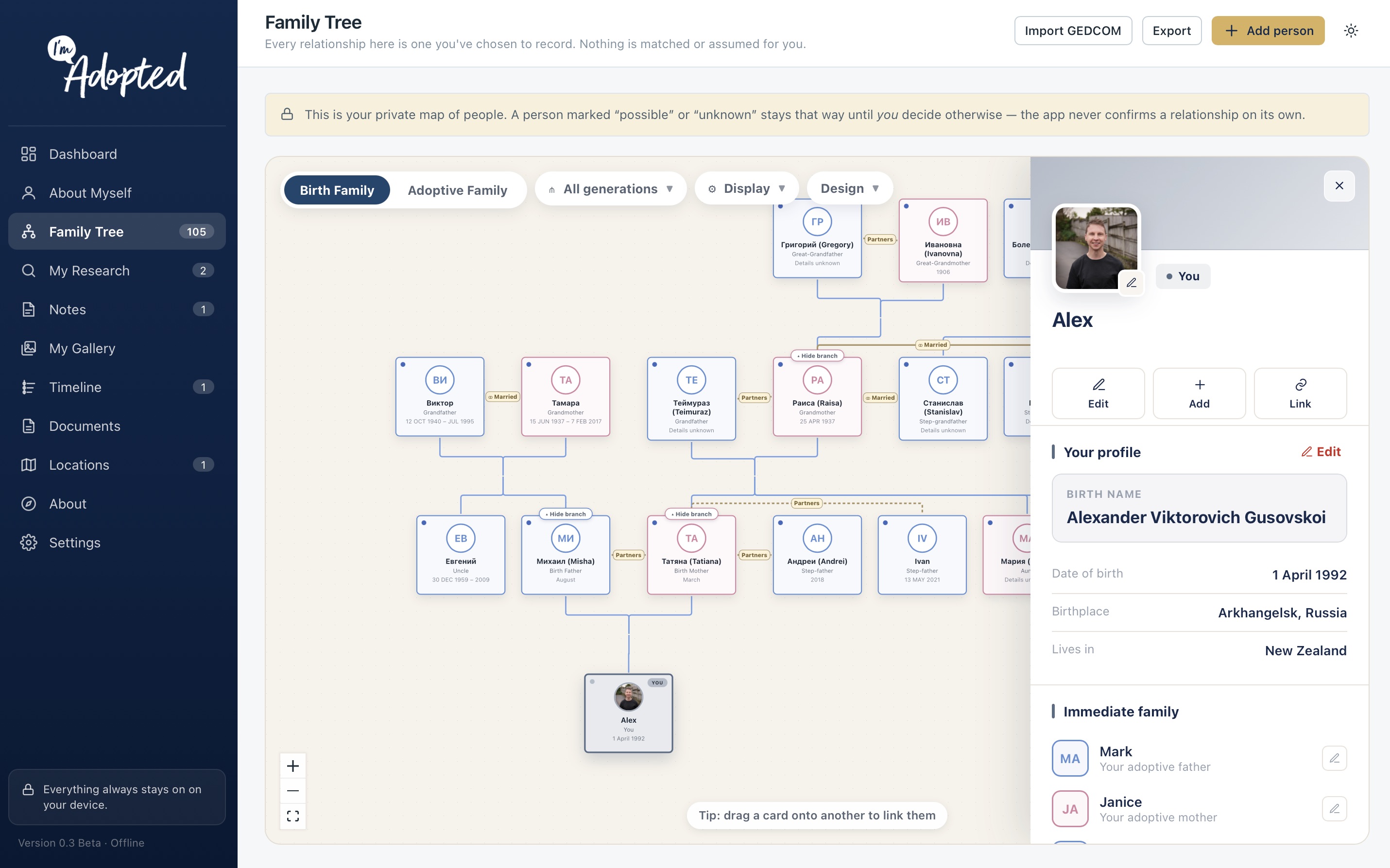
Family Tree
Build your family tree with birth relatives, adoptive family, and other important people, all connected in one place.
Timeline
Organise important dates and events to create a clear timeline that you can update over time.
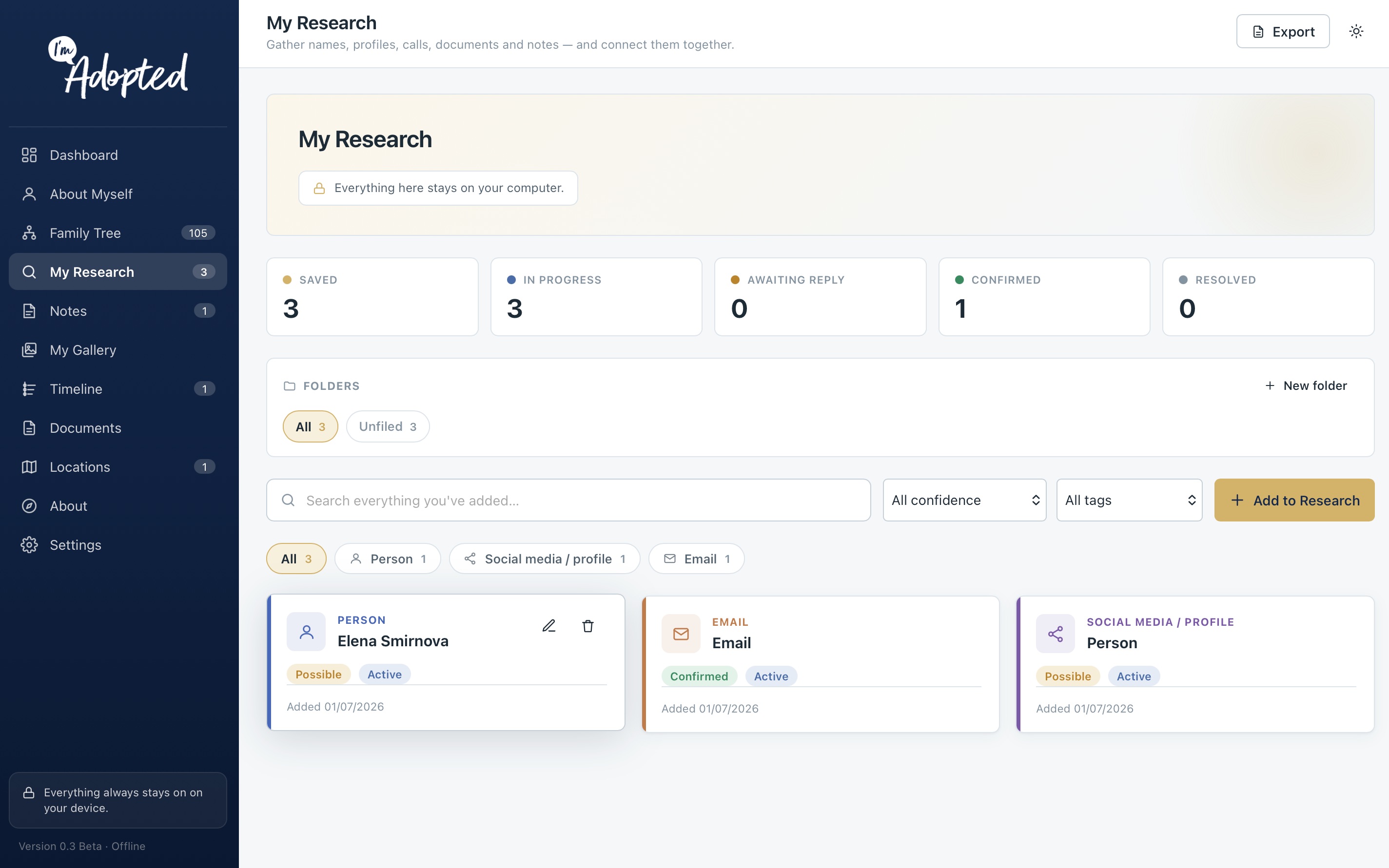
Research
Keep track of records, leads, websites, and discoveries with everything organised in one place.
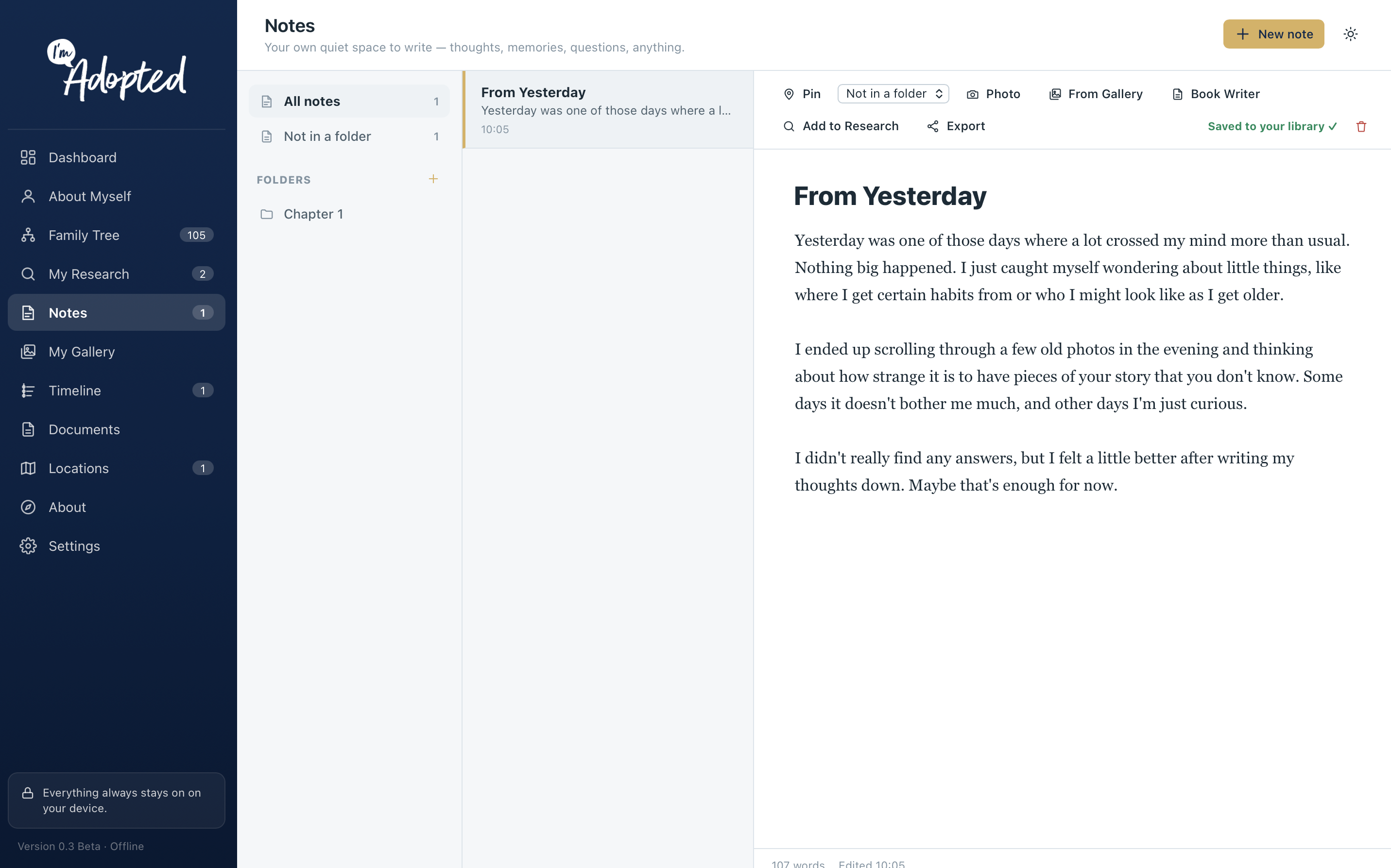
Notes
Write down ideas, memories, and important details whenever you need, with everything stored together. Also includes a book writer feature.
Documents
Store adoption records, certificates, letters, and other important documents in one secure location.
Gallery
Organise photos and connect them to people, places, events, and other parts of your family tree.
Locations
Save important places and view them alongside the people, events, and records connected to them.
A closer look
See the app
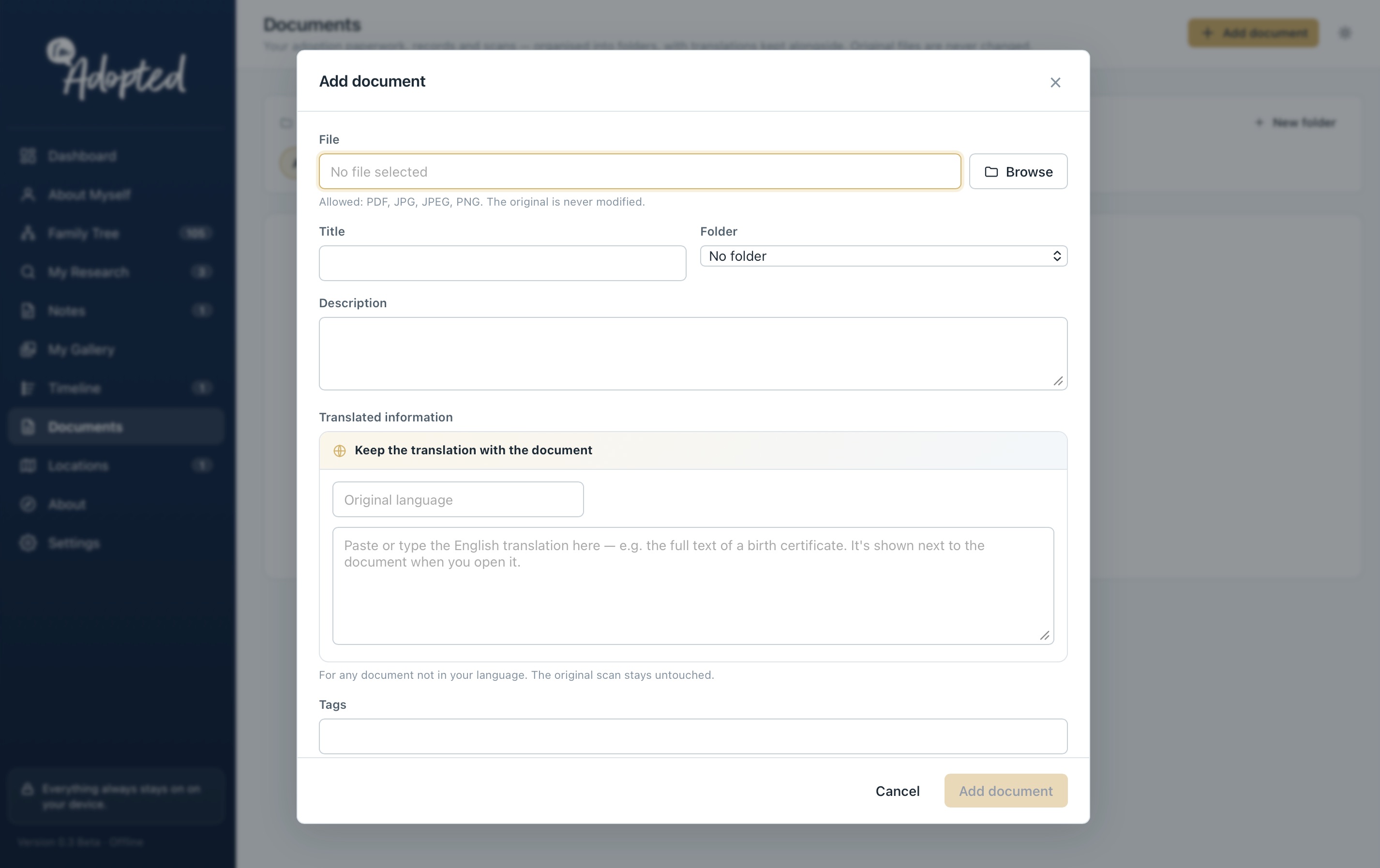
Completely private, completely offline
The I'm Adopted app works entirely on your own device. Your family tree, timeline, notes, documents, and research are never uploaded, shared, or stored by us — they stay with you.
Download the app
Available as an open beta for macOS and Windows. Every release is shaped by feedback from the community.
Getting started on Mac
On Windows? You're all set — install from the Microsoft Store and it installs and updates automatically. The steps below are only for macOS.
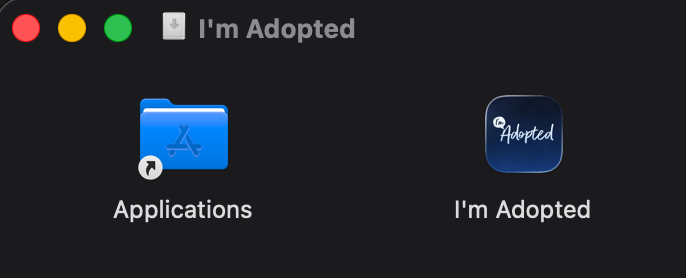
Download the DMG, then drag I'm Adopted into your Applications folder before opening the app.
As this is a new app, macOS may ask you to confirm that you'd like to open it. This is a standard security feature for newly released apps. If prompted, open System Settings → Privacy & Security, scroll down to the security message for I'm Adopted, then click Open Anyway. You'll only need to do this once. This will change on public release.
The I'm Adopted app is completely offline. Your information remains on your own device and is never uploaded, shared or stored by us.
Future beta releases will be delivered automatically through the app, so you won't need to download a new copy each time.
Mac installation guide
- Open the downloaded DMG
Drag I'm Adopted into your Applications folder.
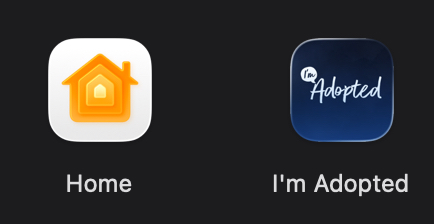
- Open the app
Launch I'm Adopted from your Applications folder.
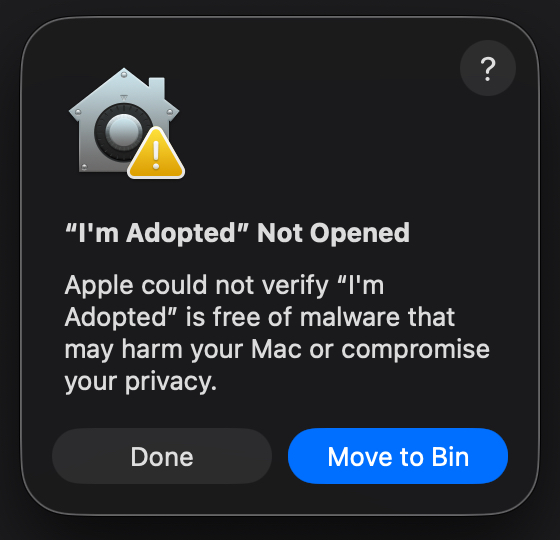
- Older versions of macOS
If macOS displays a security message, Control-click (or right-click) I'm Adopted, choose Open, then select Open again when prompted. You'll only need to do this once. You might see this message below.
- Newer versions of macOS
If macOS asks you to open the app another way, open System Settings → Privacy & Security, scroll down until you see the message for I'm Adopted, then click Open Anyway. You'll only need to do this once.
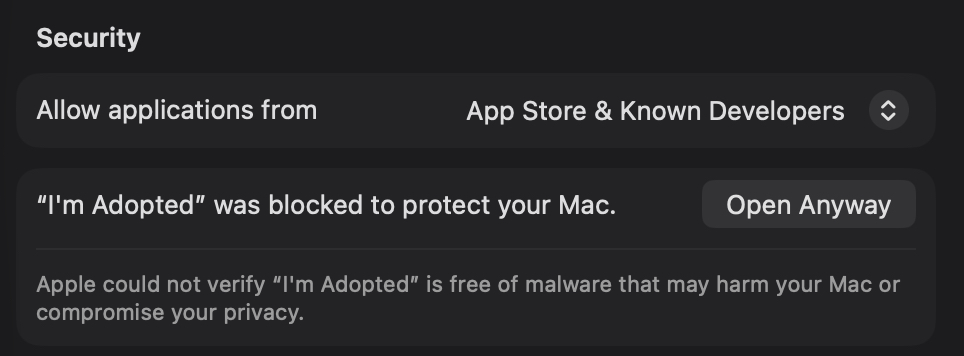
Using the latest macOS?
On the newest versions of macOS, the prompt sometimes doesn't show an Open Anyway option yet. This is simply because the app is still going through Apple's notarisation process, which is on its way. In the meantime, you can let your Mac know the app is safe to open with a single line in Terminal:
xattr -cr "/Applications/I'm Adopted.app"Open Terminal (Applications → Utilities → Terminal), paste the line above, and press Return. Then open I'm Adopted as usual. You'll only need to do this once, and these steps will disappear entirely once notarisation is complete.
Privacy & Security
The I'm Adopted app works entirely offline. Your family tree, timeline, notes and research stay on your own device and are never uploaded or shared with us. The security message shown by macOS is a standard precaution for newly released apps downloaded from the web.
We'd love your feedback
Found a bug or have an idea? This app is shaped by our community, and every piece of feedback helps. Please get in touch through our contact page.
Get in touch